Case Study
Misko-Aki

Case Study
Misko-Aki
Exploring accessibility testing: in-depth insights into conducting accessibility audits.
Background
About the Project
The client was building a physical exhibit which explored the indigenous roots of the Muskoka Region, and wanted a digital exhibition counter-part to reach a wider audience and generate more interest in the physical exhibit.
The digital exhibit was built in WordPress, and leveraged the platform’s intuitive block-editor feature to facilitate content creation and management. View Project
One of the critical objectives was to build a site which complies with AA level, WCAG 2.1 guidelines. To ensure accessibility guideline compliance the site was diligently tested employing a wide range if testing methods.
My Role
- Delivering a digital exhibit using a custom built WordPress theme based on the provided design.
- Consulting on, and modifying, the existing design to ensure guideline compliance
- Developed custom block components, as needed, to achieve the layout proposed in the provided mockups
- Ensured that the digital exhibit is WCAG 2.1 AA compliant
Ensuring W.C.A.G. Compliance
Automated Accessibility Audits

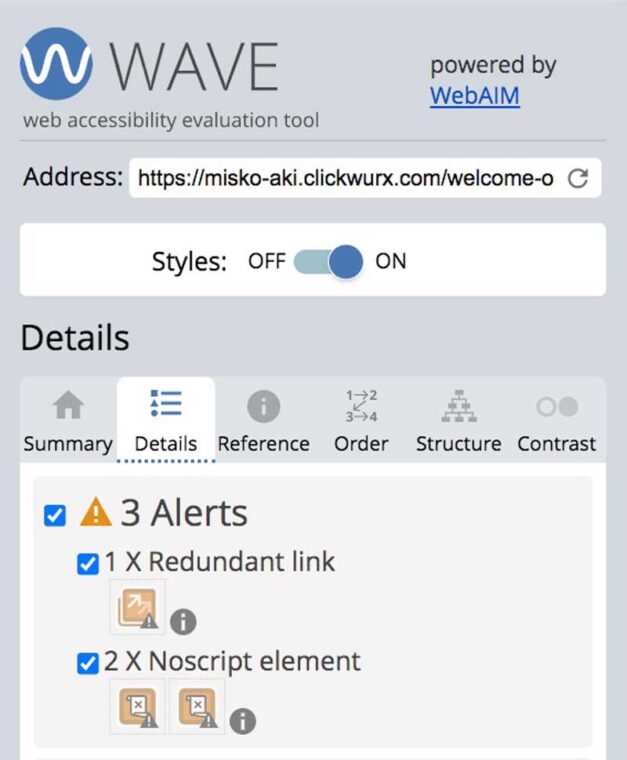

Misko-Aki – Audits with WAVE by WebAIM


WAVE by WebAIM
WAVE is a popular tool for performing website accessibility audits. The tool was used towards the end of the development phase to do the initial sweep for accessibility conflicts.
The initial sweep helped identify and address the bulk of the more common accessibility issues such as low contrast text, missing image alt text, missing and redundant links and missing ARIA labels.
Final Results: All issues were addressed, but a handful of alerts were not due to the their benign nature. Regardless, the benign alerts were still documented in the final accessibility report which was generated for the client, to inform future accessibility reviews.
AccessScan by Accessibe
AccessScan is a free auditing tool offered by Accessibe which is used to scan websites for ADA (Americans with Disabilities Act) compliance, which aligns well with satisfying WCAG 2.1 standards.
Leveraging AccessScan allowed me to catch accessibility issues which were not flagged by the previous auditing tool.
We were able to achieve ADA-compliance but the tool also suggested areas for possible improvement. Each suggestion was documented in the report, along with rational for any decisions made within the context of the design.

Misko-Aki – Audits with AccessScan by Accessibe

Misko-Aki – Audits with Chrome Lighthouse
Chrome Lighthouse
Chrome offers a developer tool called lighthouse, which has a feature for testing a website’s accessibility.
Following a thorough audit using both WAVE and AccessScan, we still found opportunities for improvement when scanning the website with lighthouse.
After a little bit of effort, the we were able to achieve a perfect accessibility score when testing the digital exhibit using Chrome’s Lighthouse inspector tool!
Even with a perfect score Lighthouse provides a list of items to check manually, which speaks to the fact that there is no substitute for user testing.
Manual Testing with Assistive Technology
Keyboard Accessibility
All global and in-page navigation components were subject to manual keyboard accessibility testing during the accessibility phase of the website build.
The build was tested and refined to ensure that all components necessary for navigation were accessible by keyboard, that a meaningful tabbing sequence was established, and that no keyboard traps were present.


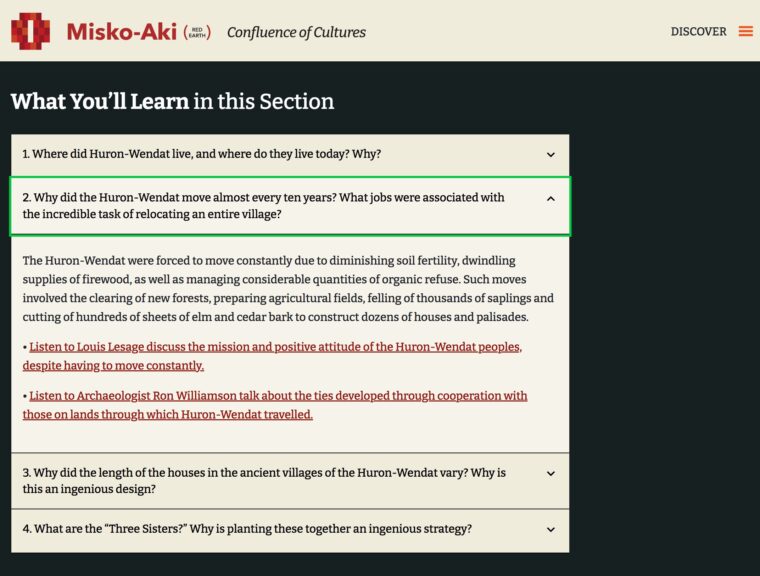

Misko-Aki – Testing Keyboard Accessibility

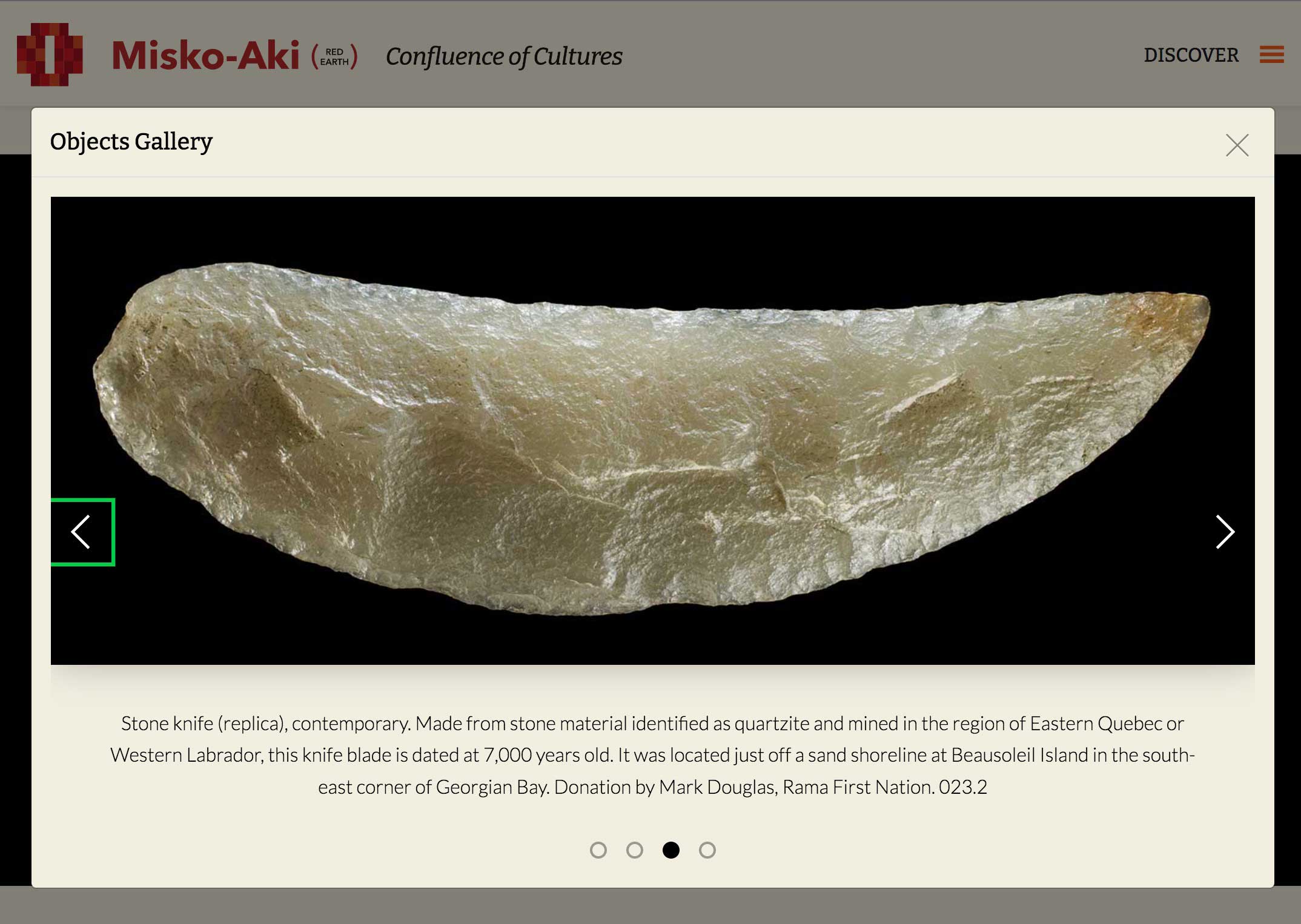


Misko-Aki – Testing Screen-Reader Accessibility


Testing Screen-Reader Accessibility
All keyboard accessibility measures also apply to screen-readers, because they require the keyboard for navigation as well.
Combining three automated testing methods, allowed me to identify and address the majority of possible issues related to inadequate ARIA labeling .
Unfortunately, manual screen-reader tests were not conducted due to budgetary restrictions. However, it is possible to test the site using commonly used screen-readers, online, with the help of the AssistivLabs platform.
Even though our compliance objectives were met, manual screen-reader testing was flagged for future iterations to help ensure a truly inclusive digital experience.
Reporting Compliance Audit Results
Itemized WCAG Compliance Review
In addition to automated and manual testing, a thorough review and report on how the digital exhibit complies with WCAG 2.1 AA standards.
Each of the roughly 50 WCAG 2.1 AA success criteria, was outlined in detail, along with how the measures taken in the Misk-Aki build to satisfy the criteria.
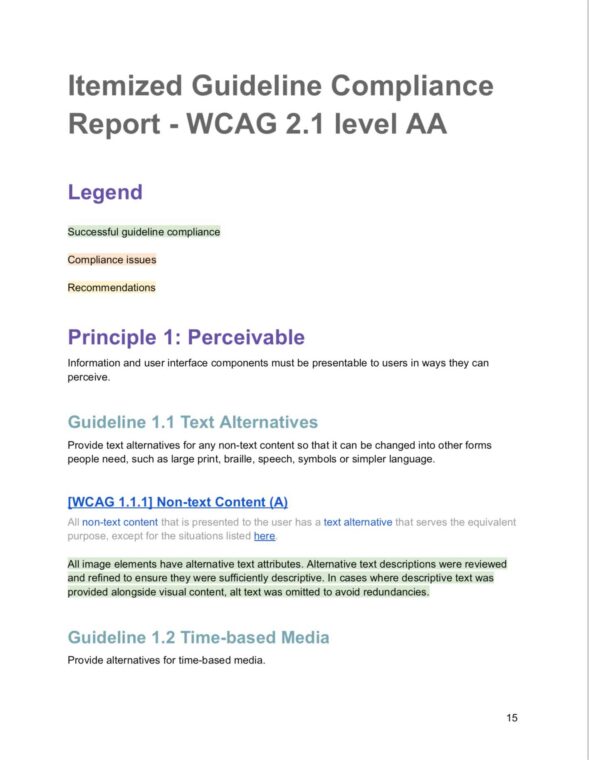

Misko-Aki – Itemized WCAG Compliance Review (sample pages)


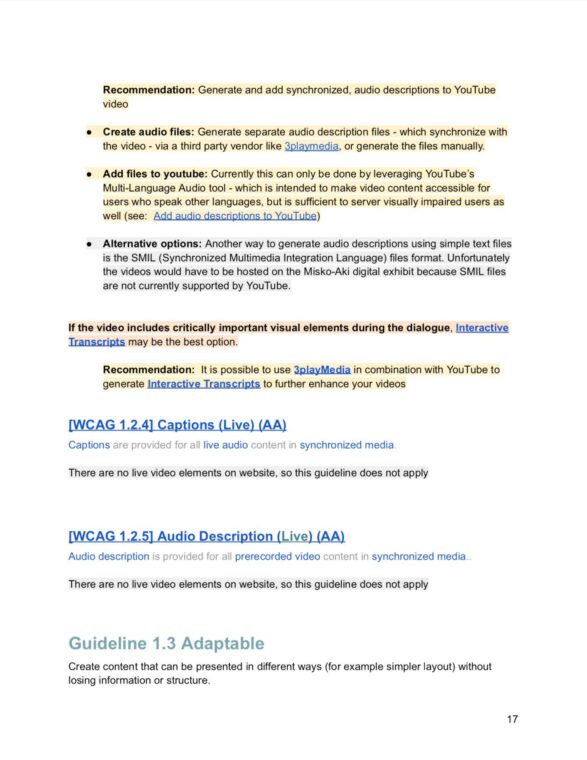

Misko-Aki – Identifying and Addressing Content Accessibility Issues


Identifying and Addressing Content Accessibility Issues
Some content-related accessibility issues – which currently do not get picked up by automated checkers, and cannot always be fixed with code alone – had to be flagged to the stakeholders and content team.
These issues can include things like words or phrases in additional languages [WCAG 3.1.2], or mixed media content requiring descriptive text due to it’s content [WCAG 1.2.3]. Recommendations addressing the issues were included in the report.
Insights & Takeaways
The Value of Using a Variety of Methods to Ensure Website Accessibility.
Only by using a variety of automated automated checkers, in combination with manual testing and a thorough review of WCAG success criterion, can one be cure that website content is sufficiently accessible.
There is no substitute for user-testing
Even though employing a wide range of testing tools/methods helps keep accessibility issues from slipping through the cracks, user-testing can provide insights quantitative research methods might miss.
This is especially true with native users of assistive technology. However, one of the biggest challenges in generating quality user-research data, for website accessibility audits, is recruiting a relevant and diverse range of research participants.
Next Steps: Beyond Compliance
Manual Screen-reader testing using AssistivLabs
To better empathize with users of assistive web technologies it is important to familiarize ourselves with these technologies. Future iterations of the digital exhibit could benefit from allocating resource towards testing with AssistivLabs.
User testing with Fable
Recently I discovered Fable. This a platform used by UX researchers to connect to people with disabilities for user research and accessibility testing. Fable has been listed a recommended next step to enhancing accessibility in future iterations of the Misko-Aki digital exhibit.